Two-Way Encrypted Mackup Alternative for macOS
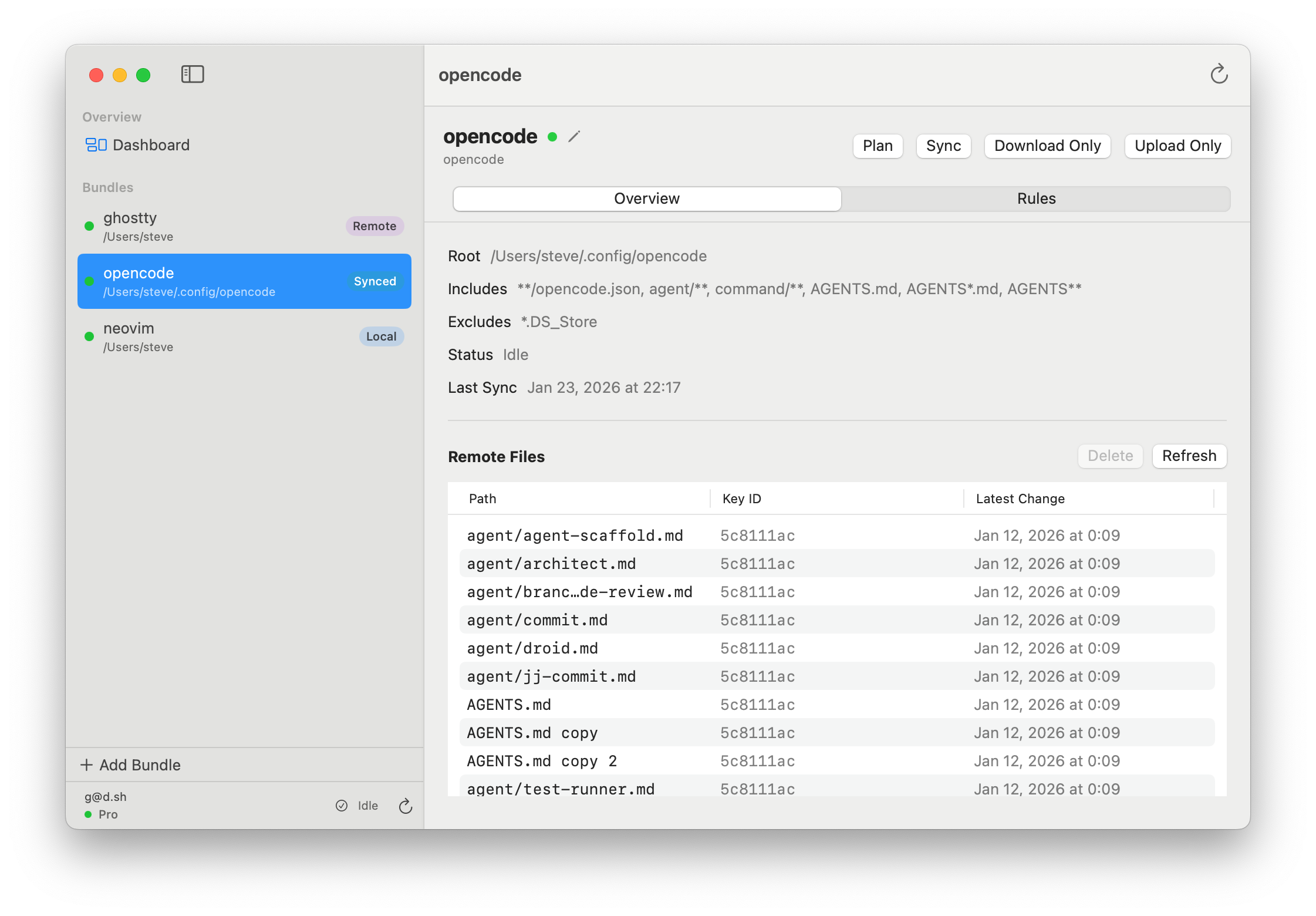
Synclet is a native macOS app that keeps your Mac app preferences, ~/Library configs, and dotfiles in sync across every Mac you own. Files stay as real files on disk with client-side age encryption and two-way diff previews, synced through Synclet Cloud or your own Dropbox.
What happens inside ~/Library/Preferences on macOS 14+
Starting in macOS Sonoma, Apple's cfprefsd daemon writes preference updates atomically by replacing the target path with a fresh regular file. Any symlink inside ~/Library/Preferences gets overwritten the next time an app saves settings, which is why Mackup 0.11+ had to fall back to manual one-way mackup backup and mackup restore commands.
- 1. ~/Library/Preferences/com.googlecode.iterm2.plistReplaced with a symlink pointing into ~/Dropbox/Mackup/...
- 2. App saves a preference changemacOS cfprefsd atomically writes a new regular .plist file over the path, deleting the symlink.
- 3. Cloud copy stops updatingLocal preferences drift silently from the file sitting in ~/Dropbox/Mackup/.
- 1. Regular file stays in ~/Library/Preferences/No symlinks on disk; cfprefsd reads and writes the real .plist file normally.
- 2. Plan compares local and remote stateShows pending uploads and downloads across your Macs, and flags conflicts if both Macs edited the same file.
- 3. Sync encrypts with age and transfersEncrypts file contents locally with your passphrase before uploading to Synclet Cloud or /Apps/Synclet/ on Dropbox.
Target ~/Library files without writing .cfg files
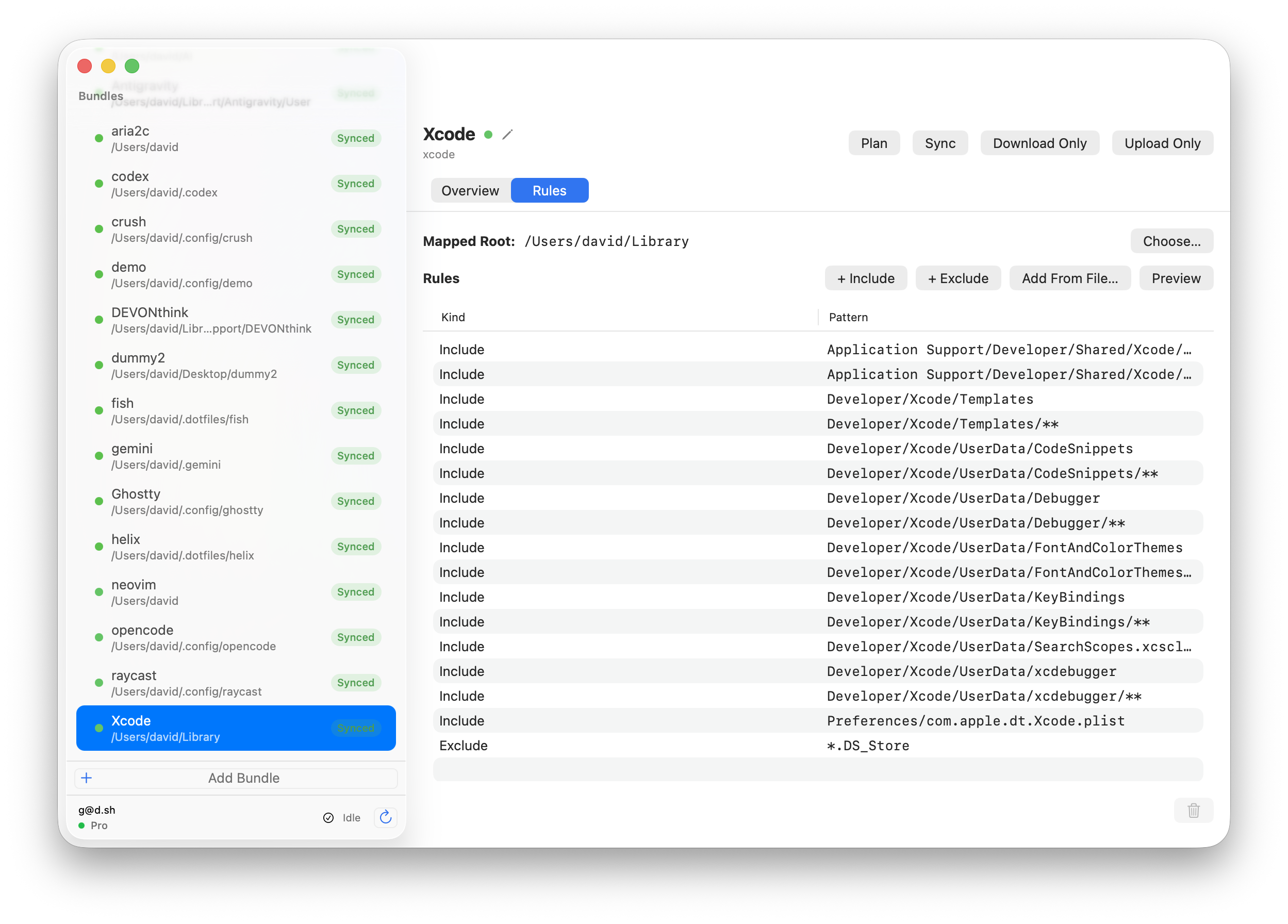
Add any macOS app folder or dotfile bundle from the Synclet window and review matched files before uploading. Quit running Mac apps before syncing .plist files so cached in-memory preferences do not overwrite restored settings when the app exits.
- iTerm2
- ~/Library/Preferences/com.googlecode.iterm2.plist
- Xcode
- ~/Library/Developer/Xcode/UserData
- Ghostty
- ~/.config/ghostty
- Raycast
- ~/.config/raycast
- Shell & Git
- ~/.zshrc, ~/.gitconfig, ~/.config/starship.toml
- Obsidian
- <Vault>/.obsidian
Synclet vs. Mackup
| Feature | Synclet | Mackup (0.11+) |
|---|---|---|
| ~/Library/Preferences on macOS 14+ | Syncs regular .plist files in place without symlinks | Works in 0.11+ copy mode; legacy symlink mode breaks when cfprefsd replaces links |
| Sync direction & conflicts | Two-way sync with diff preview; conflicting files are flagged and skipped instead of overwritten | One-way manual mackup backup and mackup restore commands; restore overwrites local files |
| File content encryption | Encrypted locally on device with age before upload | None added by Mackup; relies on your cloud provider |
| App definitions & custom rules | Pick any folder or file in the macOS UI with include and exclude rules | Built-in library of hundreds of app definitions, plus custom ~/.mackup/<app>.cfg INI files |
| Platforms | Native macOS app, plus standalone CLI for Linux, Windows, and SSH | Python CLI for macOS and Linux |
| Storage backends | Synclet Cloud or your own Dropbox (via App Folder API) | Any local folder (Dropbox, iCloud Drive, Google Drive, or local disk) |
| Price | Free (1 bundle, 10 files), Pro $1.99/mo, or $14.99 one-time for Dropbox | Free and open source (GPL) |
Keep Mackup if you want a free open-source script with hundreds of built-in app definitions backed by iCloud or Google Drive. Switch to Synclet when you want client-side encryption, two-way diff previews, and conflict protection across Macs and Linux.
Switch from Mackup in three steps
- 1. Restore real files if you used symlinks
If you already use Mackup 0.11+ default copy mode, your configs are already regular files on disk. If you used symlink mode, convert symlinks back into regular files first (or
mackup uninstallon Mackup 0.8/0.9):mackup link uninstall - 2. Encrypt and upload on your primary Mac
Install Synclet for macOS, keep Synclet Cloud or connect your Dropbox account in Settings, set your encryption passphrase, and add your app and dotfile bundles.
- 3. Preview and pull on your second Mac
Sign in on your second Mac (or use the CLI on Linux), enter your passphrase, inspect the planned file changes, quit any open apps whose
.plistfiles are changing, and click Sync.
Full Mackup unlinking and ~/Library migration guide
Covers Mackup 0.8 vs. 0.11 commands, plist safety, and multi-Mac setup.
Simple Pricing
Start free on Synclet Cloud, upgrade to Pro for fast unlimited cloud sync and version history, or buy an app-only license for your own Dropbox.
Free
Test Synclet Cloud on one bundle
- 1 bundle (up to 10 files)
- Synclet Cloud storage included
- 2 weeks version history
- E2EE with your personal key
- No billing required
Pro
Full Synclet Cloud storage, version history & web access
Built for speed: batches small dotfiles on Synclet Cloud, syncing far faster and more reliably than Dropbox.
- Full Synclet Cloud storage included
- Optional Dropbox sync included
- 2 weeks version history & one-click rollback
- Web dashboard to browse & decrypt files
- Unlimited bundles & files (up to 1MB/file)
- Unlimited Macs & Linux CLI machines
- E2EE with your personal key
One-time
App license for your own Dropbox
Sync against Dropbox: keep encrypted configs in your own Dropbox folder. Requires a Dropbox account.
- Sync against your own Dropbox
- Mac app & CLI for unlimited files
- E2EE with your personal key
- No Synclet Cloud storage
- Slower per-file Dropbox API sync
- No version history or web dashboard